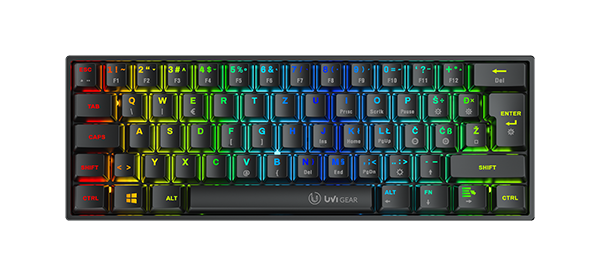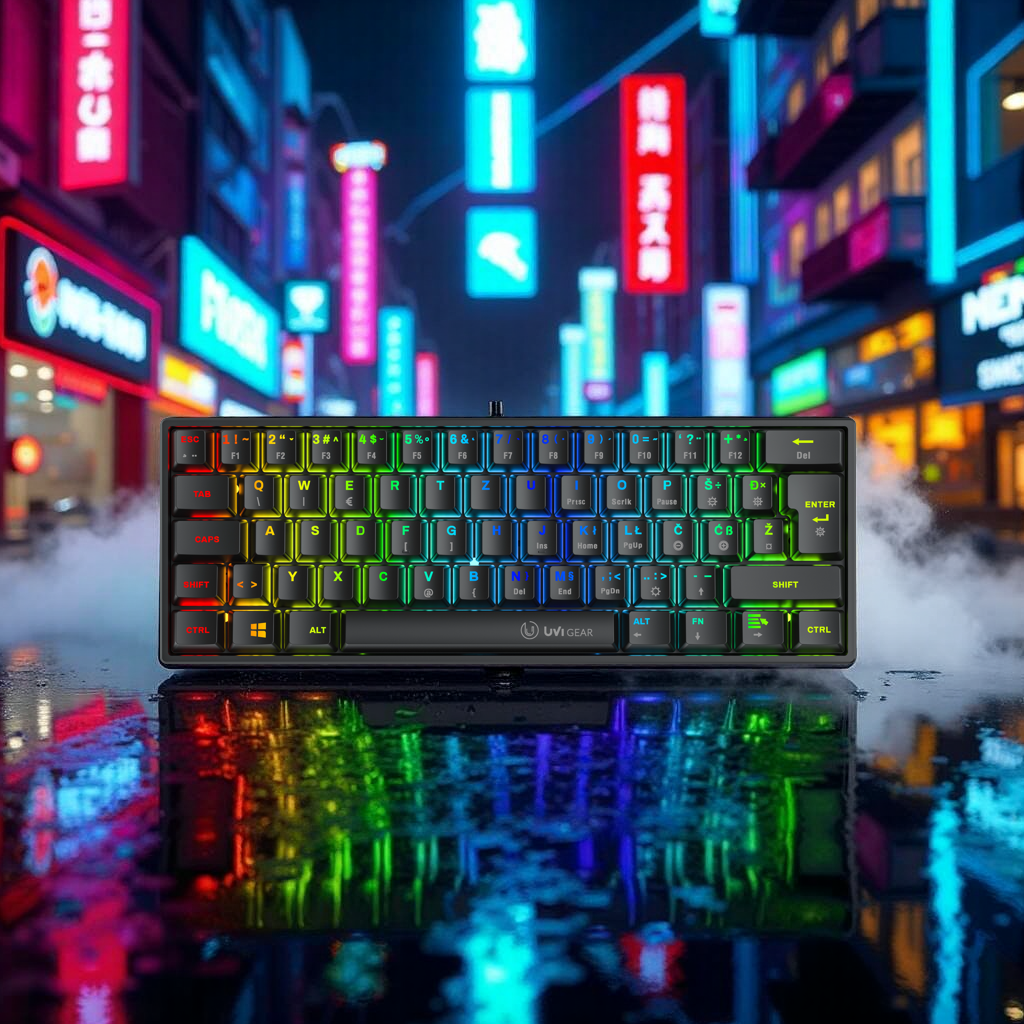
True gaming equipment isn’t complete without RGB LED lighting. Even better is when it’s customizable, allowing for greater personalization and visual impact.
This is made possible by the UVI ONE app, where you can precisely adjust the lighting on various UVI products. In addition, all UVI keyboards offer quick shortcuts for controlling RGB lighting directly on the device.
In this blog, we will show and present the quick settings and shortcuts on UVI keyboards.
Quick shortcuts for rgb lighting on the keyboard
It often happens that accidental key presses turn off or change the keyboard lighting – this does not mean that the keyboard is faulty.
Each keyboard has its own specific shortcuts, which can also be found in the official manual: https://uvi.gg/ag/
Below are the two most common functions for controlling LED lighting, although each keyboard offers many additional settings.
UVI GREED (v1) and GREED MINI
• FN + PGDN → Turn LED on/off
• FN + DEL /INS / HOME / END → Switch between LED modes (RGB, single color, wave)
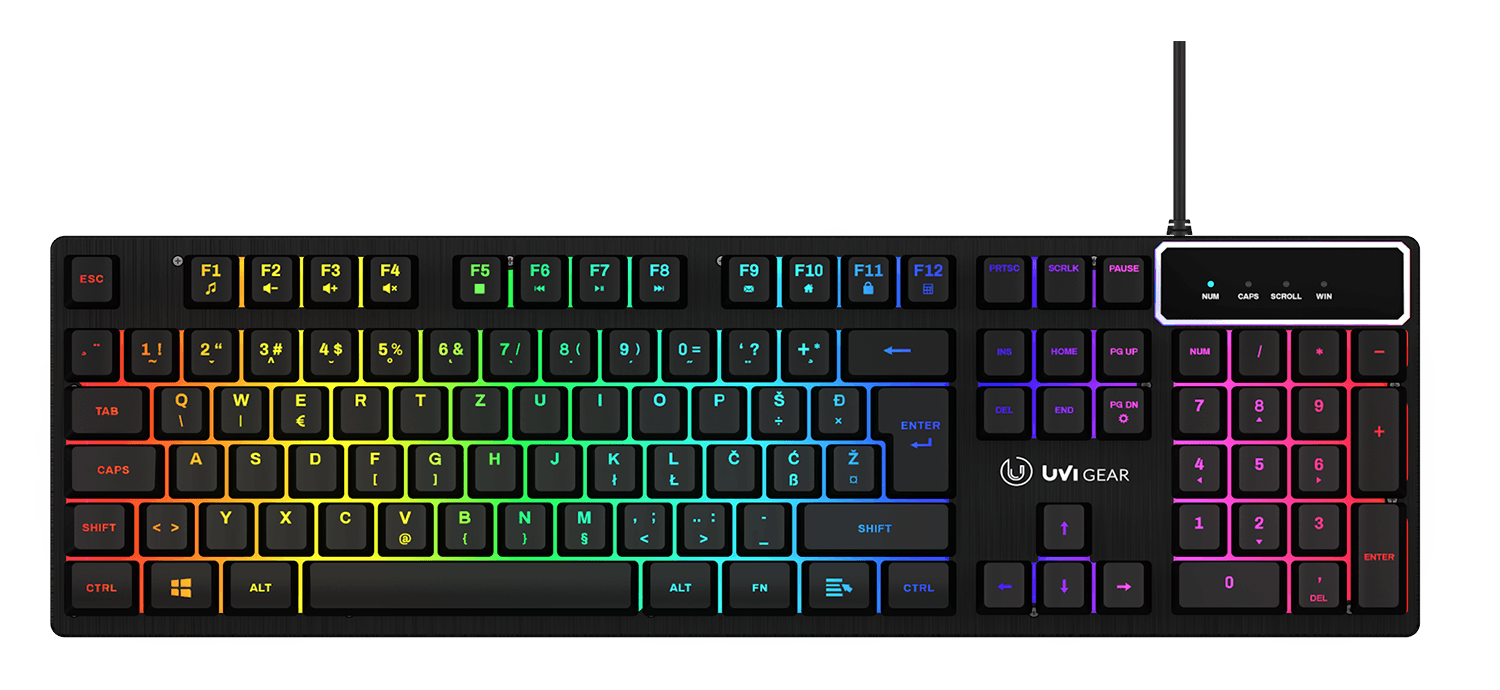
UVI GREED V2 and GREED MINI V2
• FN + SCRLK → Turn LED on/off
• Light key 💡 next to FN → Switch between preset RGB modes
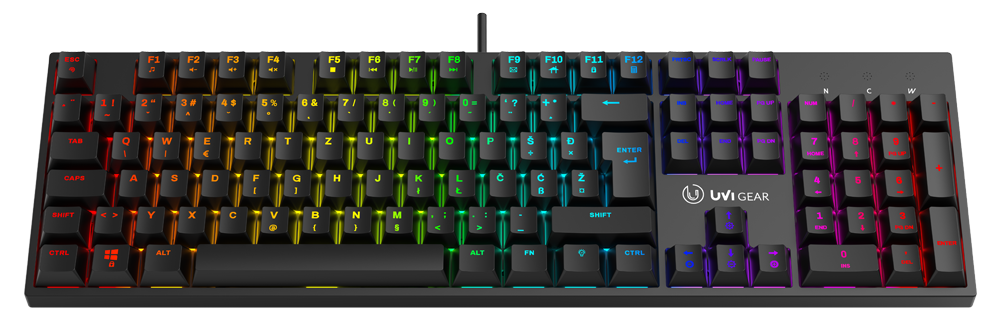
UVI PRIDE NANO
• FN + Š / Đ → adjust brightness (+ / −)
• FN + ENTER → switch between RGB modes (18 modes)
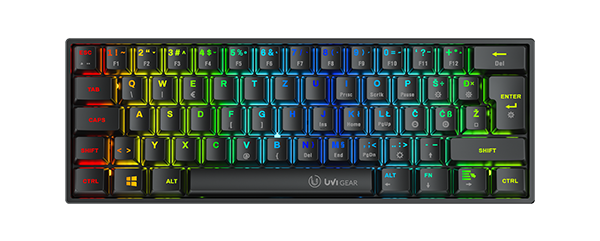
UVI PRIDE V2 and PRIDE MINI
• FN + ESC → Turn LED on/off
• FN + PRTSC → Switch between RGB modes (19 modes)
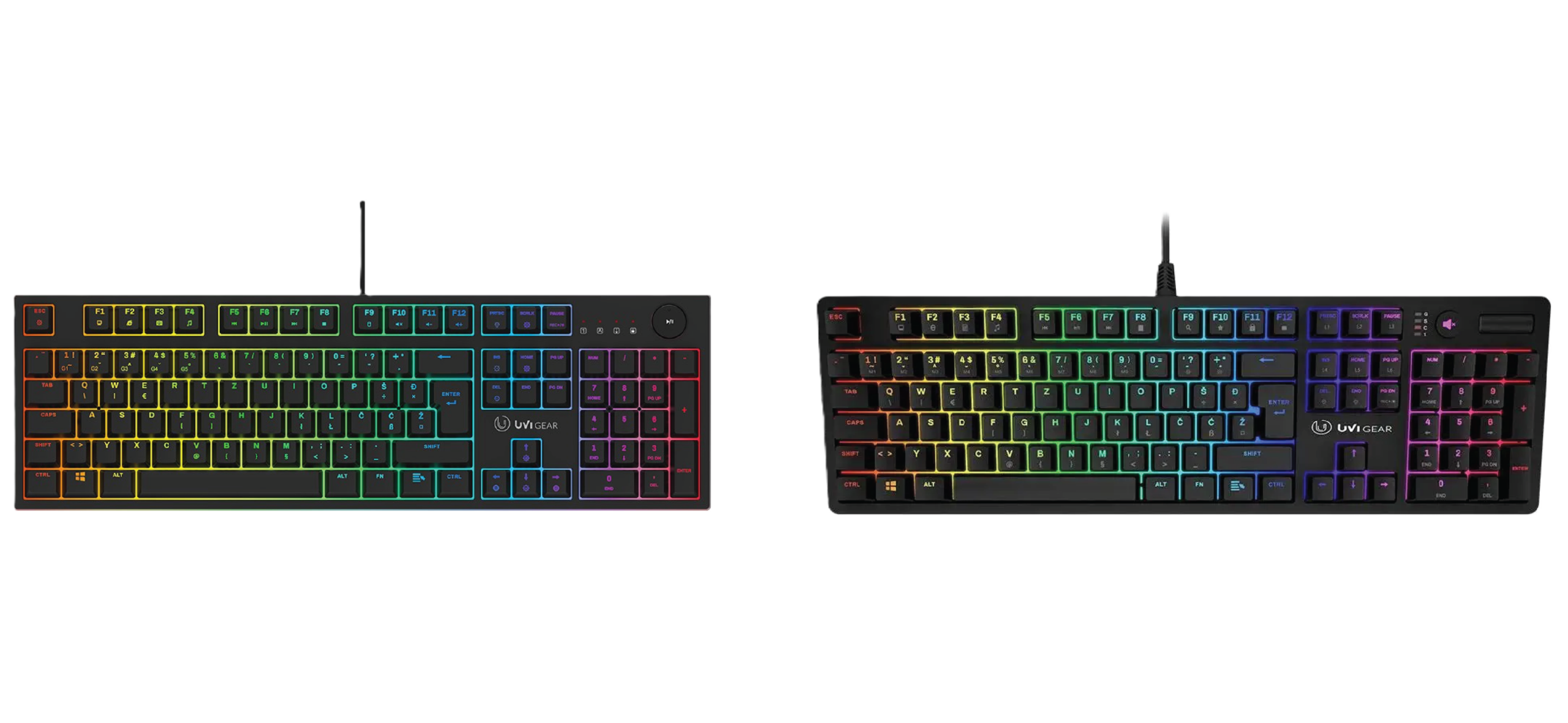
UVI LEAF
• FN + SPACE → Turn LED on/off
• FN + DEL → Switch between preset LED modes
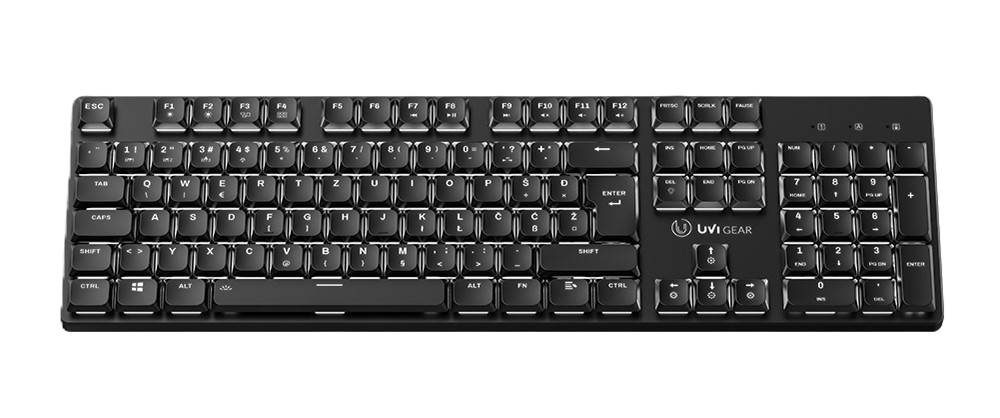
👉 Note: The UVI LEAF does not feature classic RGB lighting but instead offers single-color white backlighting with various effects (wave, breathing, key illumination, etc.).
Note: For wireless devices, LED lighting consumes additional battery power. To extend usage time and battery lifespan, we recommend turning off the lighting when it is not needed.
Common functions for all keyboards:
• FN + ↑ / ↓ → Adjust brightness
• FN + ← / → → Adjust effect speed
RGB lighting is not just a visual addition, but also part of the user experience. By using shortcuts and UVI settings, every user can quickly adjust their keyboard to their own style of use, whether for work or gaming.
Top Gaming Keyboards!
Optical+Mechanical switches for 30% faster response time!